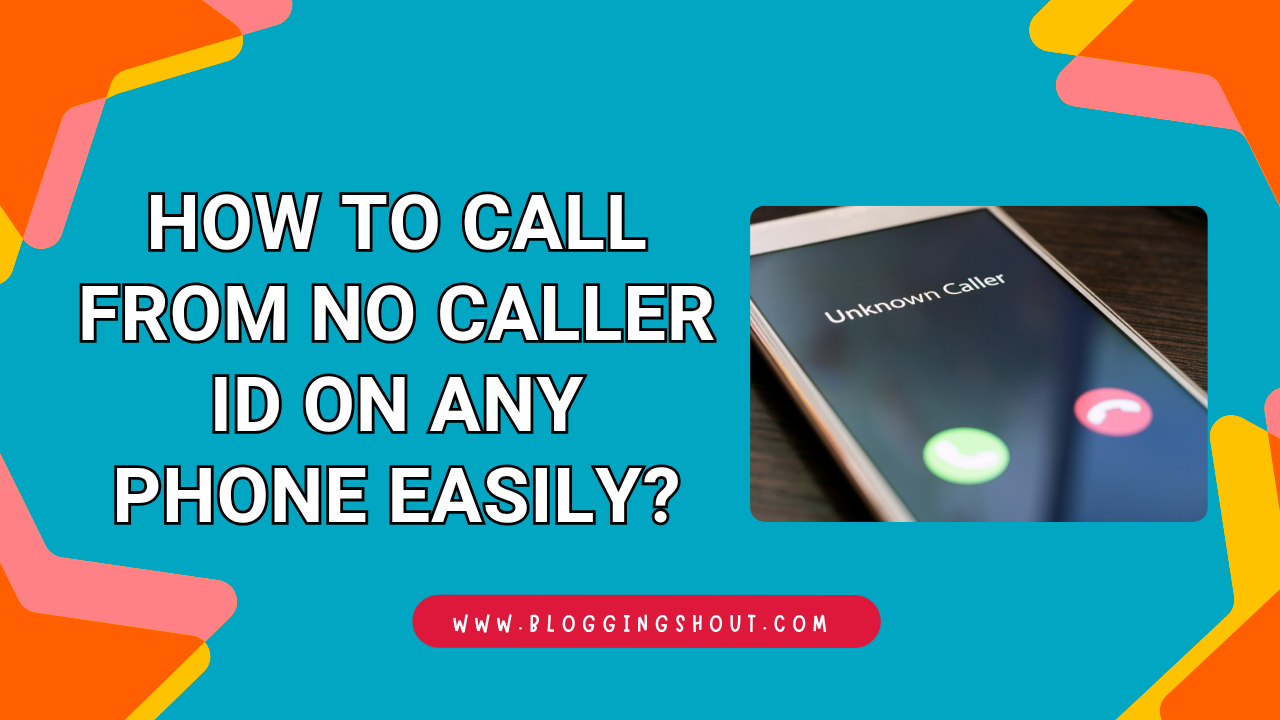
Have you ever needed to make a call without revealing your number? Maybe you’re contacting someone for the first time. Or perhaps you just want to protect your privacy.
Whatever the reason, learning how to call from no caller ID is easier than most people think. And yes, it works on iPhones, Android phones, and even landlines.
In this guide, you’ll learn every method — step by step — so you can make anonymous calls confidently and responsibly.
What Does “No Caller ID” Mean?
When someone calls you and the screen shows “No Caller ID,” it means the caller has hidden their phone number. The call still goes through. But their number doesn’t appear on your screen.
This is different from a blocked or spam call. It simply means the caller chose to keep their identity private.
How It Differs from “Unknown Number”
Many people confuse these two. Here’s the difference:
- No Caller ID — The caller manually hid their number before calling.
- Unknown Number — The carrier couldn’t identify the number. This often happens with VoIP or international calls.
Both look similar on your screen. But they come from different situations.
Is It Legal to Hide Your Caller ID in the USA?
Yes, it is completely legal in the United States. The FCC allows individuals to block their caller ID on a per-call or permanent basis.
However, using it to harass, threaten, or deceive someone is illegal. Always use this feature responsibly.
Why People Choose to Hide Their Phone Number
There are plenty of legitimate reasons to make a no caller ID call.
Privacy Reasons
- You’re calling a stranger from an online marketplace.
- You don’t want your personal number saved by someone you don’t trust.
- You’re dealing with a sensitive personal matter.
Business and Professional Use Cases
- Sales reps use it to call from a central business number.
- Doctors and therapists call patients without sharing their direct line.
- Journalists protect their identity while investigating a story.
These are all valid, everyday use cases. In fact, many professionals rely on this feature regularly.
How to Call from No Caller ID on iPhone
Apple makes it pretty simple to hide your number. You have two options.
Using Settings to Hide Your Number
Follow these steps:
- Open the Settings app.
- Scroll down and tap Phone.
- Tap Show My Caller ID.
- Toggle it off.
That’s it. Every call you make will now show “No Caller ID” on the receiver’s screen.
Pro Tip: Remember to turn it back on if you only want to hide your number temporarily.
Using *67 Before Dialing
Don’t want to change your settings permanently? Just use *67.
Here’s how:
- Open your Phone app.
- Dial *67 followed by the full number. For example: *67-555-123-4567
- Hit call.
The receiver will see “No Caller ID” or “Private Number.” This works on a per-call basis. Your settings stay the same for all other calls.
How to Call from No Caller ID on Android
Android phones work slightly differently depending on your device brand. But the process is still straightforward.
Changing Caller ID Settings in the Phone App
- Open the Phone app.
- Tap the three-dot menu (top right corner).
- Go to Settings, then tap Calls.
- Select Additional Settings or Supplementary Services.
- Tap Caller ID and choose Hide Number.
Some Android phones may show slightly different menu names. But the path is generally the same.
Using *67 on Android
Just like on iPhone, *67 works on Android too.
- Dial *67 + the full phone number.
- Press call.
Simple, fast, and effective. No settings change needed.
How to Hide Your Number on a Landline
Yes, landlines support this feature too.
Using *67 on Landlines
The process is identical:
- Pick up the phone.
- Dial *67.
- Then dial the number you want to reach.
The receiver won’t see your number. It’s that easy.
Contacting Your Carrier for Permanent Blocking
Want every call from your landline to be anonymous? Call your phone carrier and request permanent caller ID blocking. Most major US carriers — including AT&T, Verizon, and Xfinity — offer this for free.
If you ever want to unblock your number for a specific call, just dial *82 before the number.
Third-Party Apps to Call with No Caller ID
Sometimes the built-in methods aren’t enough. That’s where apps come in.
Top Apps for Anonymous Calling
Here are three popular options for US users:
- Google Voice — Free. Gives you a second phone number. Calls show that number, not your real one.
- Burner — Creates temporary phone numbers. Great for short-term privacy needs.
- Hushed — Offers disposable numbers. Works well for both calls and texts.
These apps give you more control. And they work on both iPhone and Android.
Pros and Cons of Using Apps vs. Built-In Methods
| Feature | *67 / Settings | Third-Party Apps |
| Cost | Free | Free or paid |
| Ease of use | Very easy | Moderate |
| Works for texts | No | Yes (most apps) |
| Gives a fake number | No | Yes |
| Requires download | No | Yes |
If you just need a quick anonymous call, use *67. But if you need ongoing privacy or anonymous texting, an app is worth it.
No Caller ID vs. Unknown Number — What’s the Difference?
Let’s clear this up once and for all.
| No Caller ID | Unknown Number | |
| Cause | Caller hid their number | Carrier couldn’t identify it |
| Common with | US calls using *67 | VoIP or international calls |
| Intentional? | Yes | Not always |
| Can be traced? | By carriers, yes | Sometimes harder |
So if you’re calling someone and want them to see “No Caller ID,” use the methods above. You’re in control.
Can Someone Find Out Who Called from No Caller ID?
This is one of the most common questions. And the honest answer is: it depends.
What Carriers Can See
Your phone carrier always knows who made the call. Even if the receiver sees “No Caller ID,” the carrier has a record. This includes the time, duration, and the real number.
When Law Enforcement Gets Involved
If someone reports harassment or a threat, law enforcement can request call records from the carrier. At that point, your number can be identified.
So while anonymous calling is legal, it’s never truly untraceable.
Tips to Stay Safe and Responsible When Calling Anonymously
Here are a few best practices to keep in mind:
- Use it for privacy, not deception. There’s a big difference.
- Don’t use it to harass anyone. That’s illegal and unethical.
- If you use an app, read the privacy policy. Some apps log your calls.
- Inform the person why you’re calling anonymously if it’s a professional situation. It builds trust.
- Switch it off when not needed. Some people won’t answer no caller ID calls.
Frequently Asked Questions (FAQs)
Does *67 Work on All US Carriers?
Yes. *67 works on virtually all major US carriers, including AT&T, Verizon, T-Mobile, and most prepaid networks.
Can I Call 911 Anonymously?
No. Even if you use *67 or hide your caller ID, 911 emergency services can always see your number. This is a safety requirement by law.
Does *67 Work for Text Messages?
No, *67 only works for voice calls. For anonymous texting, you’ll need a third-party app like Hushed or Google Voice.
How Do I Block My Number Permanently?
Contact your US carrier and request permanent caller ID blocking. It’s usually free. You can still unblock it for specific calls using *82.
Can the Person I Called Unmask My Number?
Not through their phone. However, some services like TrapCall claim to unmask blocked numbers. So it’s not 100% guaranteed.
Final Thoughts
Knowing how to call from no caller ID is a useful skill. Whether you’re protecting your privacy or making a professional call, the options are simple and accessible.
Use *67 for quick, one-time anonymous calls. Adjust your phone settings for a more permanent solution. And consider apps like Google Voice or Burner if you need more flexibility.
Just remember — anonymous doesn’t mean untraceable. Always use this feature ethically and responsibly.